
Live streaming
The Director 4K sends the program, including cameras, presentation content and audio, to your streaming platform.
Choose a destination
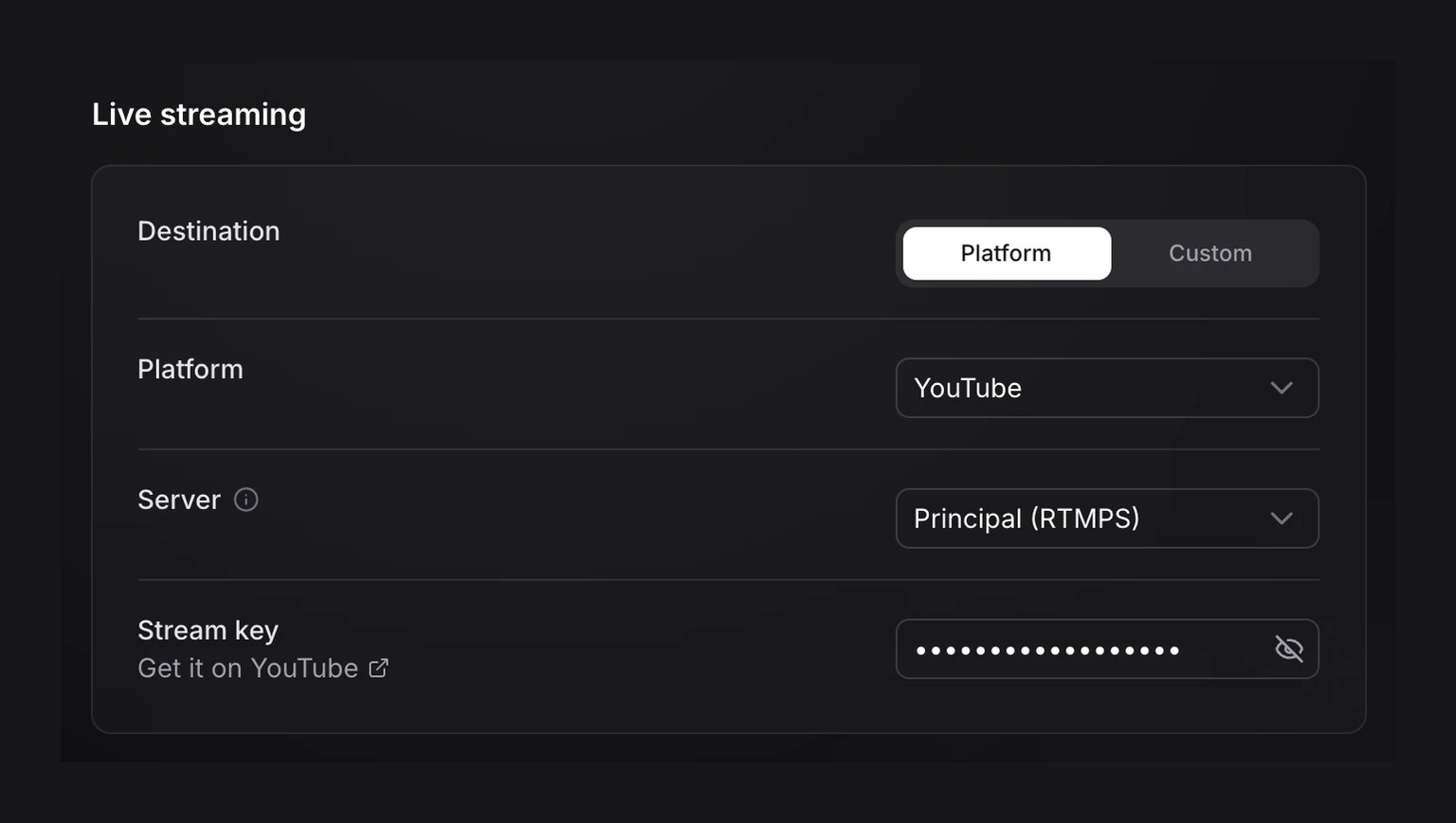
In the profile’s outputs, choose your service under Platform. Open the link below Stream key to retrieve the key from your platform, then paste it into this field.
If your service is not listed, choose Custom. Enter the RTMP or RTMPS Stream URL it provides, along with a key if required.
Save the profile before starting the session.
Start streaming
 Live streaming
Start the session with the configured profile. Press LIVE and confirm. On your platform, check that it is receiving the program, then publish the stream if the platform requires another step.
Keep a recording of the stream
Press REC and confirm to record the show while streaming.
- Live streaming
 Recording
Stop streaming
Press LIVE to stop the stream. A recording started with REC continues. Ending the session stops both.
Enter a streaming destination, then save the profile before starting the session.