
Lighting
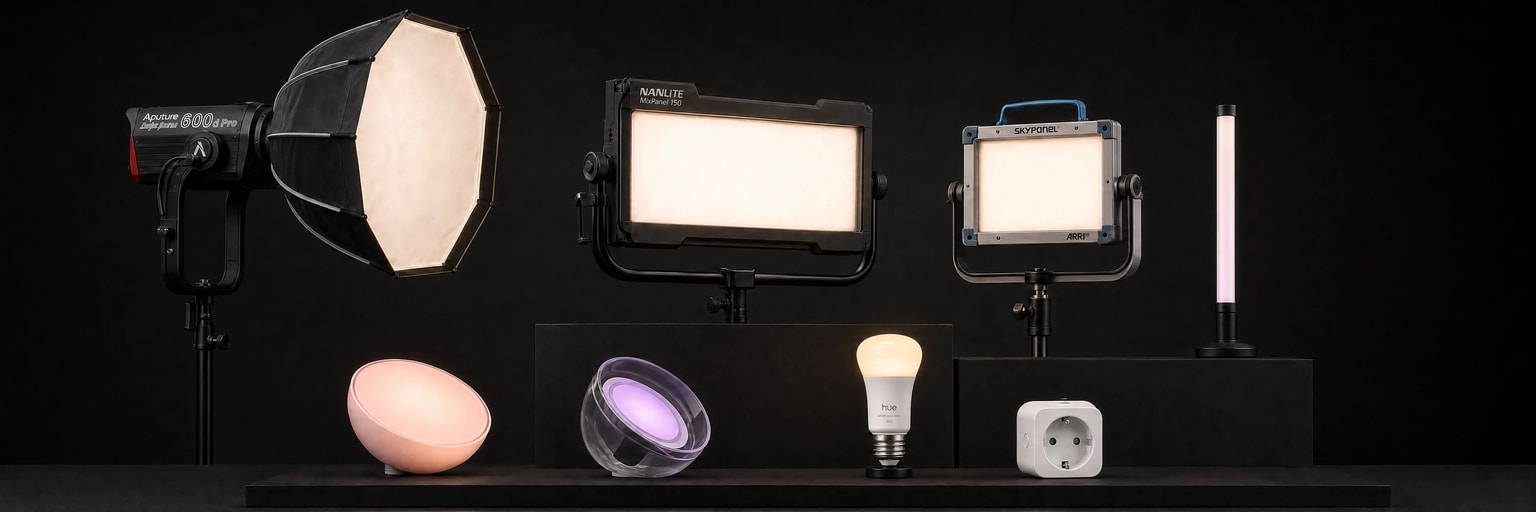
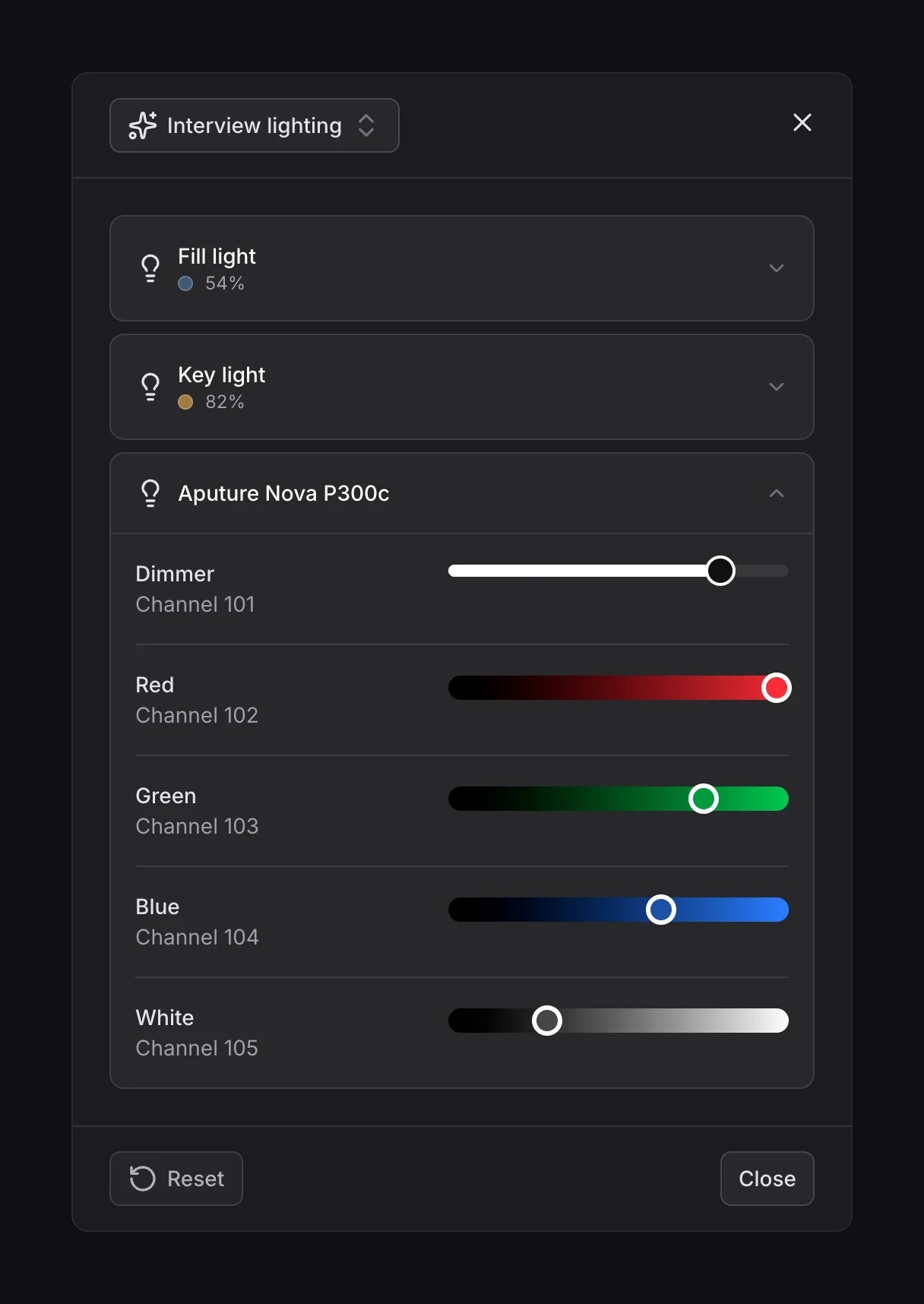
Zigbee plugs let you turn connected devices on and off. With Zigbee lights and DMX fixtures, you can also adjust brightness or color if your model supports it.
Control lights during a session
A lighting mood is a preset for your studio’s lighting. You can create several and switch between them during your sessions. Each mood saves which plugs and lights are on, along with each light’s settings, and can combine Zigbee and DMX devices.
 Menu
Menu Lights
Choose a mood or turn everything off.
Connect your lights and plugs
Follow the guide for your devices:
- Zigbee: pair wireless plugs, lights and switches.
- DMX: connect fixtures through an Art-Net node and configure their addresses and channels.
Create a lighting mood
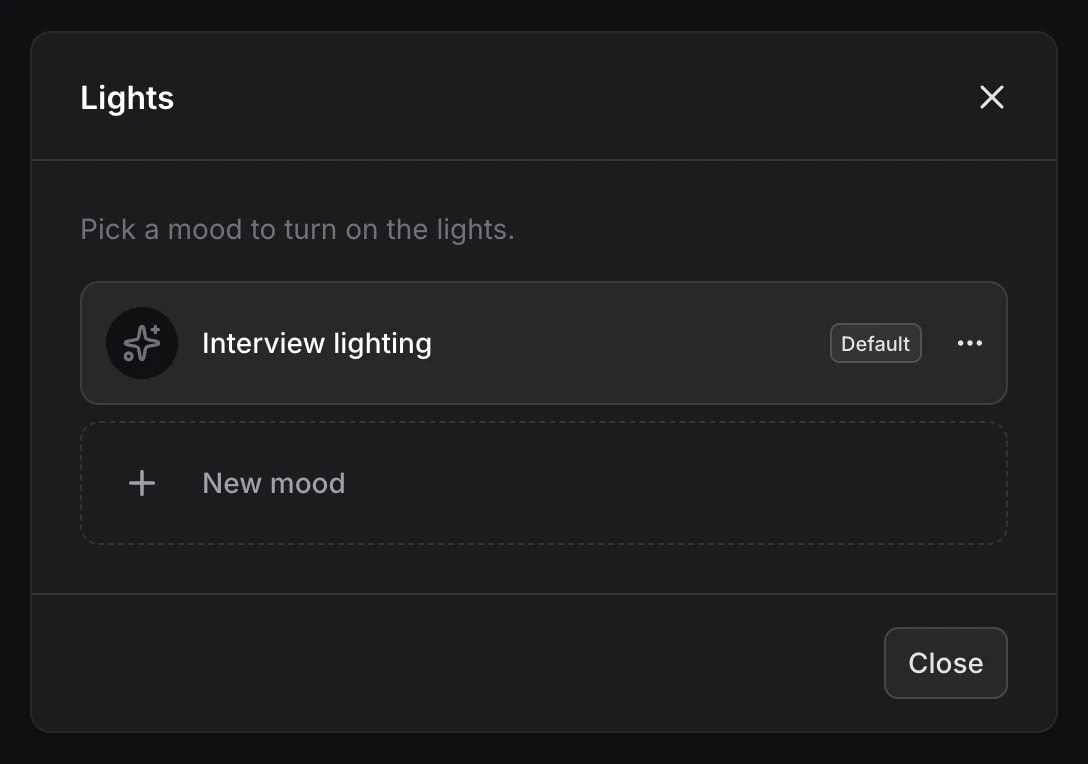
- Click New mood and give it a name.
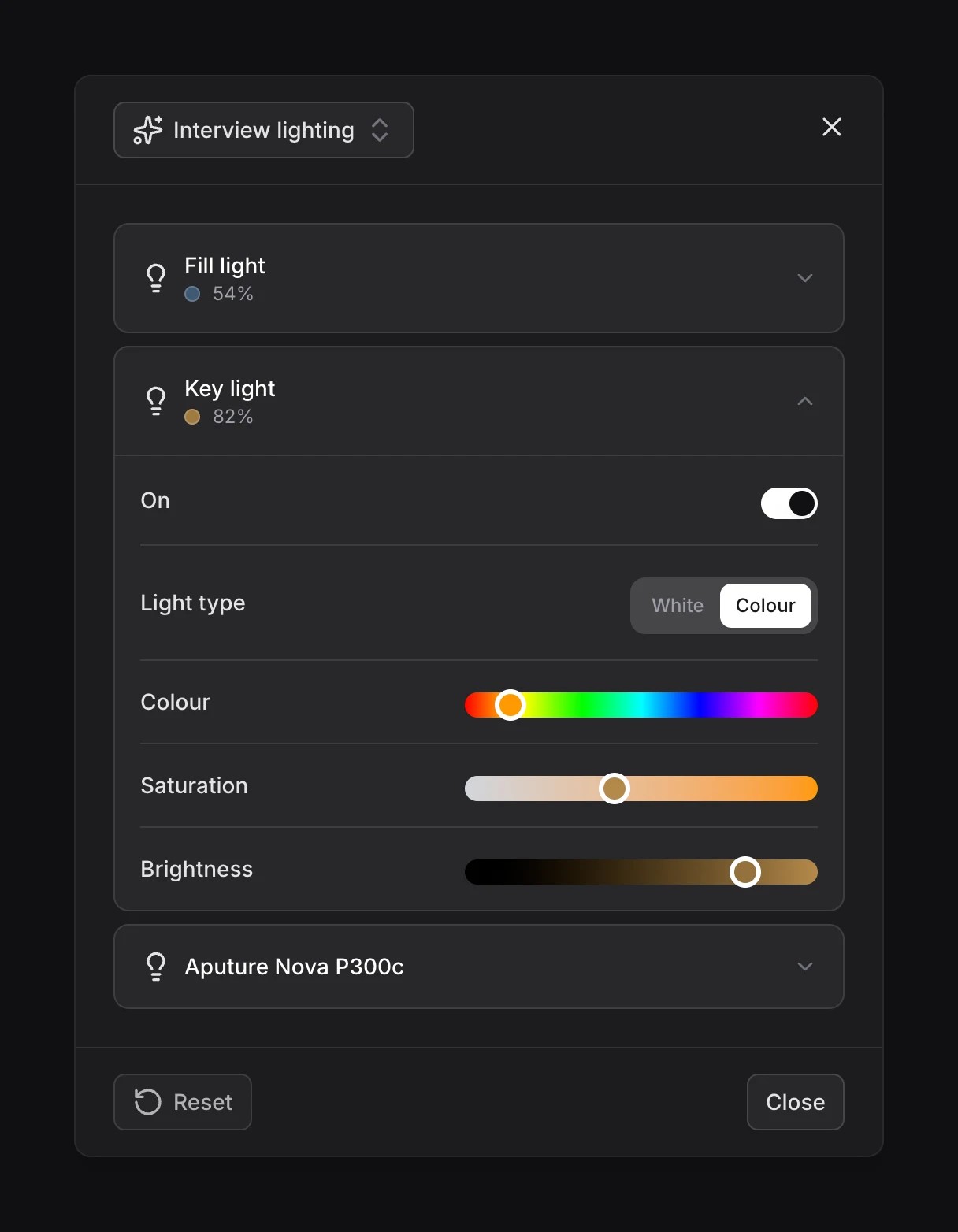
- Open each plug or light.
- Choose whether each plug should be on or off. For lights, adjust the settings shown, such as brightness or color.
Changes are saved automatically and applied immediately in the studio.
Automate lighting for a show
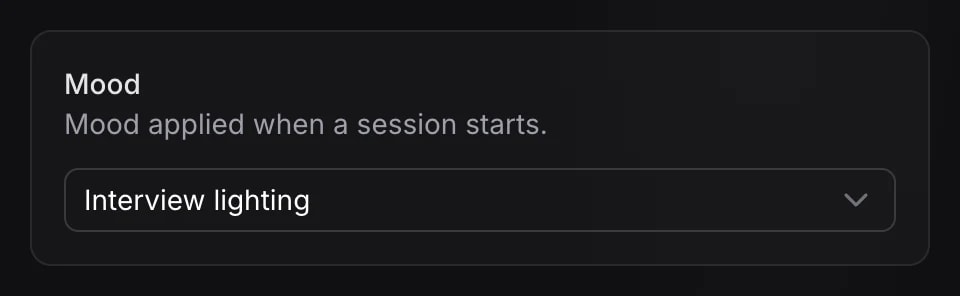
Assign a lighting mood to your show’s profile: the Director 4K will apply it automatically whenever a session starts with that profile.
In the profile’s Lights settings, select the Mood, then click Save.
When the session ends, the Director 4K turns off the automatically controlled devices, apart from the lights set to stay on outside shooting.